
Make it easier to deliver training with AI assistant in ExorLive!
At ExorLive, we have always had one goal: To make it easy to deliver training. ExorLive AI (Program Builder) is our first step towards using AI functionality to streamline and digitize the everyday lives of healthcare professionals, so that precious time can be spent in the right and more critical places.
As an active customer, this is already included in your license. You only need to activate it!
Now you can search the way you think. You describe it — it suggests.
You have access to one of the largest exercise libraries in the Nordics in ExorLive. The challenge has never been a lack of exercises — but finding the right one quickly enough between two patients.
You already have access through your license. Here’s how to get started.
Save time, get inspired and raise quality!
With the AI-assistant in ExorLive you get a powerful tool that helps you deliver even better services:
Free up capacity: We automate manual steps and "keyboard time", so you can get more profit for your patients.
Faster workflow: The path from need to finished program is shortened from minutes to seconds. Describe the need in your own words, and get an immediate draft.
Increases quality: You get immediate access to quality-assured suggestions from our exercise library. This ensures professional variety and prevents you from getting stuck in "old habits".
Professional follow-up: A "digital extension" of the therapist ensures that the end user feels seen and cared for.
Watch the ExorLive AI webinar!
Get an introduction to using ExorLive AI (Program Builder) effectively, learn more about how the feature works behind the scenes, and get a thorough walkthrough of the security aspects.
Duration: 30 min
Language: English
How ExorLive AI Program Builder works
Creating customized training programs has never been easier. Here's how to do it, step by step:

1. Start the assistant
Inside ExorLive you will now find our new feature. Click the "Try with AI" button to activate the Program Builder assistant.
2. Describe the need in your own words
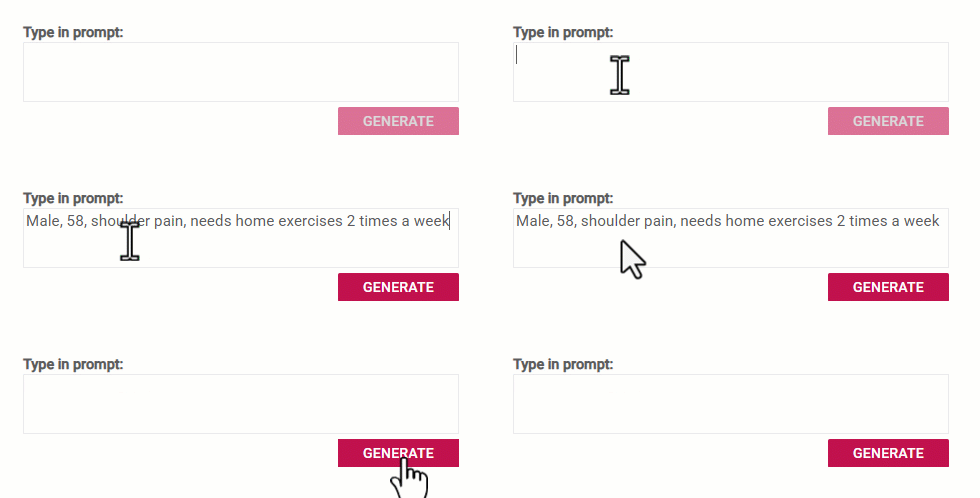
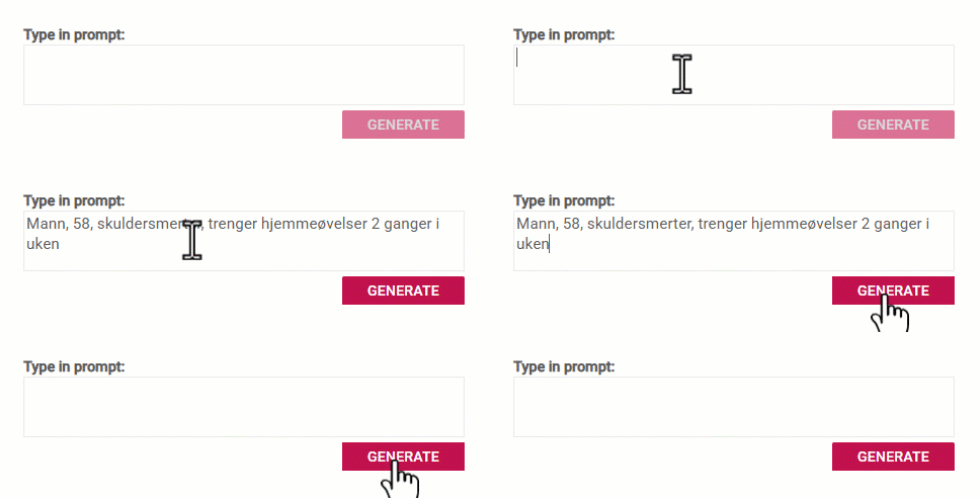
In the text box, describe the patient or client’s need, exactly as you would tell it to a colleague (e.g. “Male, 58, shoulder pain, needs home exercises 2 times a week”). Then press “Generate”.

3. Fast processing
Sit back for a few seconds. Our AI analyzes your prompt and searches through ExorLive’s huge, quality-assured exercise library to find the most relevant exercises.
4. Tailored title and description
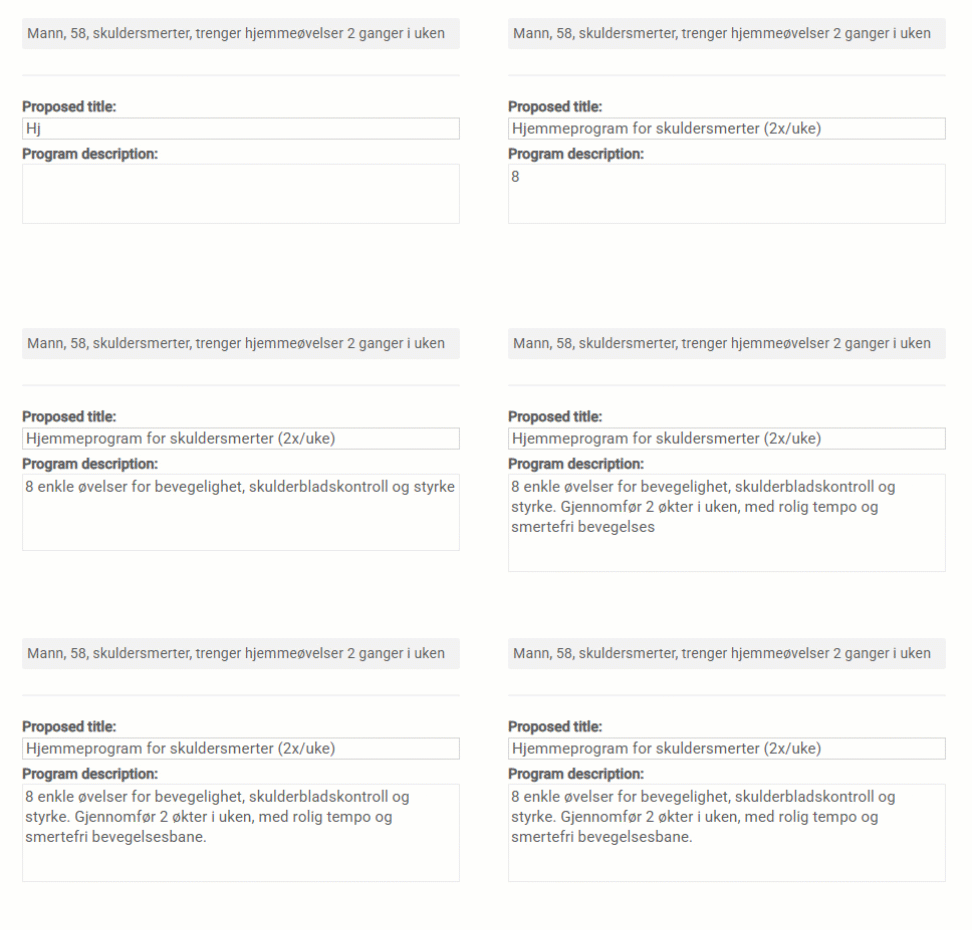
Based on your description, the AI automatically suggests a suitable title and a program description. You can of course edit these exactly as you wish.
5. Quality-assured and select exercises
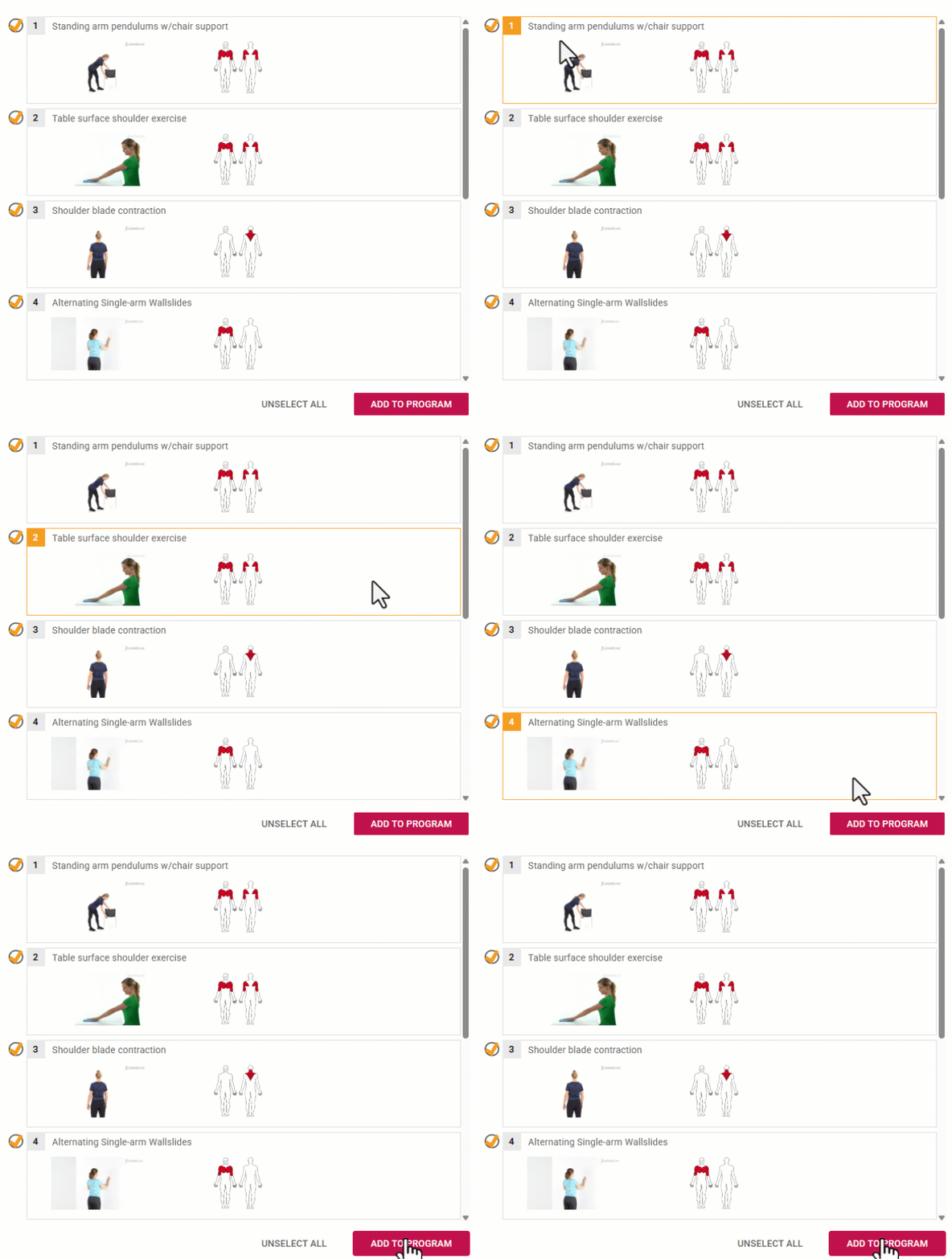
The AI presents a handpicked selection of exercises that fit the need. Review the suggestions, deselect the ones you don’t want, and click “Add to program”. Your training program is now ready to share!
Safety in the driver's seat
At ExorLive, we know that everyday life in the health and fitness sector is busy, and that new technology can raise questions. Safety is the foundation of everything we do. ExorLive AI is built as a "super assistant" - not to replace professionals, but to support them.
The professional always has the last word: ExorLive AI does not make diagnoses or make clinical decisions. It is always the therapist or trainer who must review, adjust and approve the program before it is sent out ("Human in the loop").
Strict privacy (GDPR): No personal or identifiable patient data is stored in the AI model itself. Data is minimized and anonymized.
ISO certified and EU AI Act Compliant: The system is built on our ISO/IEC 27001:2022 certified platform, is classified as "limited risk", and follows European transparency requirements.
Remove language barriers with AI-powered translation
Have you ever experienced language barriers making it difficult to provide the best possible follow-up?
You no longer need to worry about manual translations.
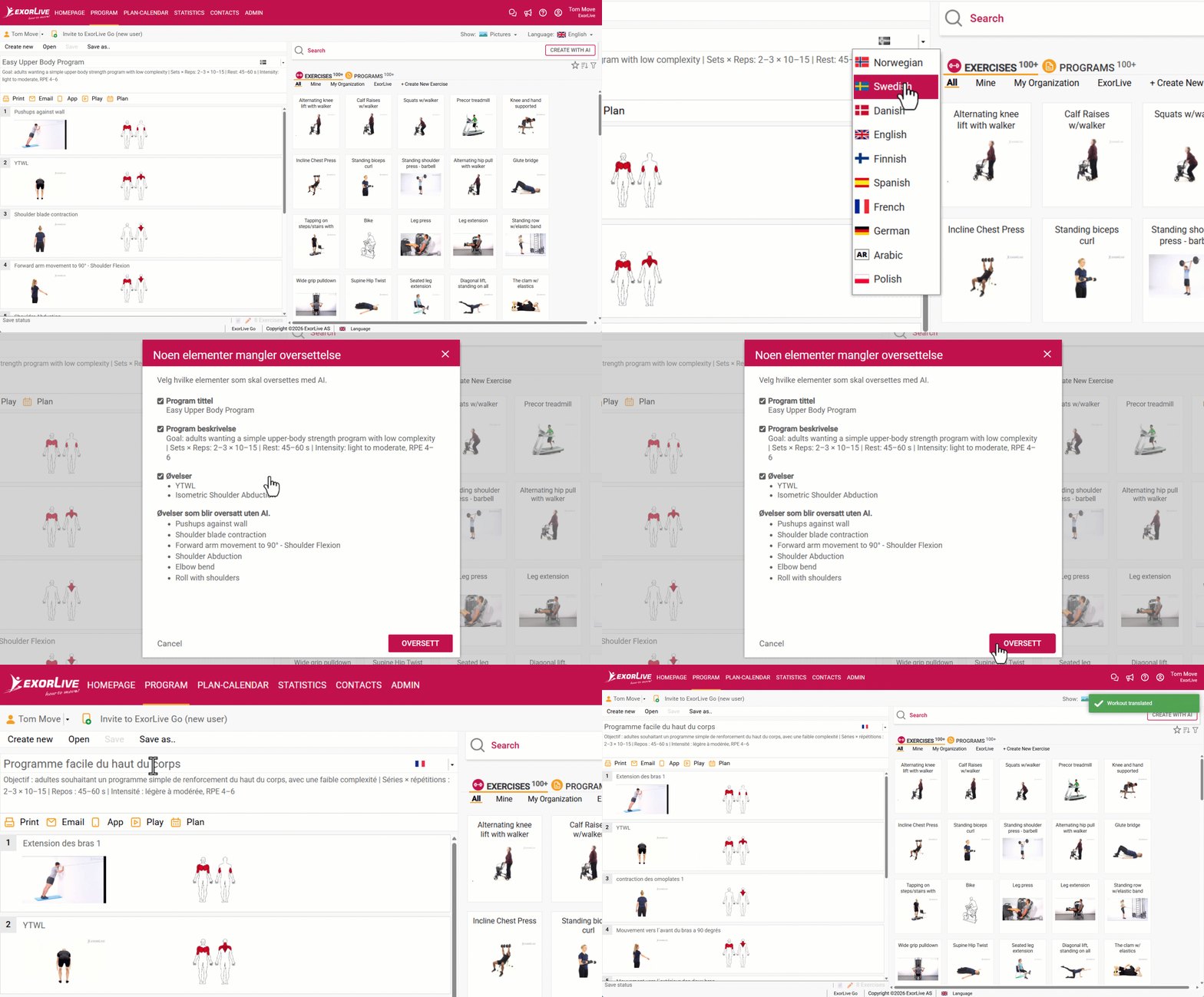
With AI at its core, everything is translated with a single click
Powered by artificial intelligence, everything is automatically translated into all supported languages, ensuring your client always receives a complete and professional experience – without you having to lift a finger.
Available in Norwegian, Swedish, Danish, English, Finnish, Spanish, French, German, Arabic, and Polish. More languages are coming soon!
With just one click, the feature translates:
The title of the training program.
The description and your personal comments to the client.
The exercises themselves, including precise step-by-step instructions.
Getting started!
For instructors/therapists: You will receive more information as soon as the administrator in your organization has activated the features.
For administrators: To give your instructors and therapists access to the new AI features, the module must be activated at the administrator level. You can do this quickly in three simple steps:
Log in to ExorLive with your administrator account.
Approve the new Data Processing Agreement (DPA), which includes the use of AI.
This activates the AI functionality for your organization.
PS: If you do not see the option to accept the new agreement, it may be because you already have a customized agreement with us.
Contact us and we will help you get started with the setup!
How to check if AI is enabled in your organization:
Log in to ExorLive using your administrator account.
Click "Admin" and then navigate to the settings for "Main Application".
Under "Programs and Exercises", make sure that "AI features enabled" is checked.
What is included and what is not:
ExorLive AI (Program Builder) and AI translation is included at no additional cost for all users in the organization with an active instructor license.
The number of included programs varies depending on the license, but at least approximately 22–30 AI-generated training programs are included per instructor license per month. AI translation uses the included tokens available in your license.
Tokens do not roll over and are reset every month.
Additional capacity can be purchased for organizations that use the AI features beyond what is included in the license (requires administrator access).
Do you have questions about AI in ExorLive? Contact us at support@exorlive.com
Try ExorLive for free
You get access to all main functions for 14 days. Create exercise programs quickly and easily from over 8000 exercises with video. There are no commitments and no installation.
Or contact us
We are here for you and are happy to help you find the solution that suits you best. Contact us at +44 20 3608 1313 or sales@exorlive.com